Webflow or WordPress: which one to choose for your next site?

Choosing between platforms to build a professional website has never been more strategic. In an age when brands are looking for a consistent digital presence, with refined design and a focus on performance, deciding between systems like Webflow and WordPress may seem like a simple decision at first glance, but it involves nuances ranging from visuals to control, from autonomy to scalability.
Over more than 15 years of following trends, helping companies of different sizes to expand their online operations, as I do on a daily basis at RMD Soluções Digitais, I have seen how this choice influences the results of growing brands. It's not just about technology, but about facilitating processes, creating creative freedom and enabling teams to improve their communication and conversion.
By reading this article, I hope you can see yourself in the scenarios analyzed and get closer to the decision that is most in line with your business. Let's understand together what changes between visual management ("no-code") and traditional CMS, compare key points, calculate costs and reflect on the trends for the coming years.
What's at stake when choosing between Webflow and WordPress?
Before diving into the details of each platform, it's worth pausing to think about the objectives. In our projects at RMD, one point is always discussed in the initial meetings: is your website more for lead capture, brand building, sales, recurring content, process integration, or a bit of everything?
This answer dictates a lot about acceptable limitations, budget, urgency of launch, expectations of personalization and even how the team itself will operate in day-to-day maintenance.
Platforms shape and accelerate digital growth.
I also see structural differences in areas such as
Autonomy to create and edit pages - does it follow a straightforward visual model or does it require technical knowledge?
Loading time and mobile experience - direct influence on SEO and conversion.
Integrations with other systems - such as CRMs, marketing automation or ERPs.
Design and branding constraints.
Predictable or unpredictable maintenance costs.
Scalability for projects of different sizes.
These are just a few aspects of what is really at stake - each point will be broken down below.
Visual CMS vs. traditional CMS: what's the real difference?
I imagine that the main question on the minds of those searching for "Webflow or WordPress" is how the site is created and maintained. The visual CMS represents a break with tradition, because it eliminates technical barriers by making it possible for practically anyone to manipulate layouts, create pages and manage content with a few clicks.
The traditional model, such as WordPress, is based on pre-configured page structures, the use of themes and plugins, usually requiring some level of familiarity with code (even basic) or the support of developers for more in-depth customizations.
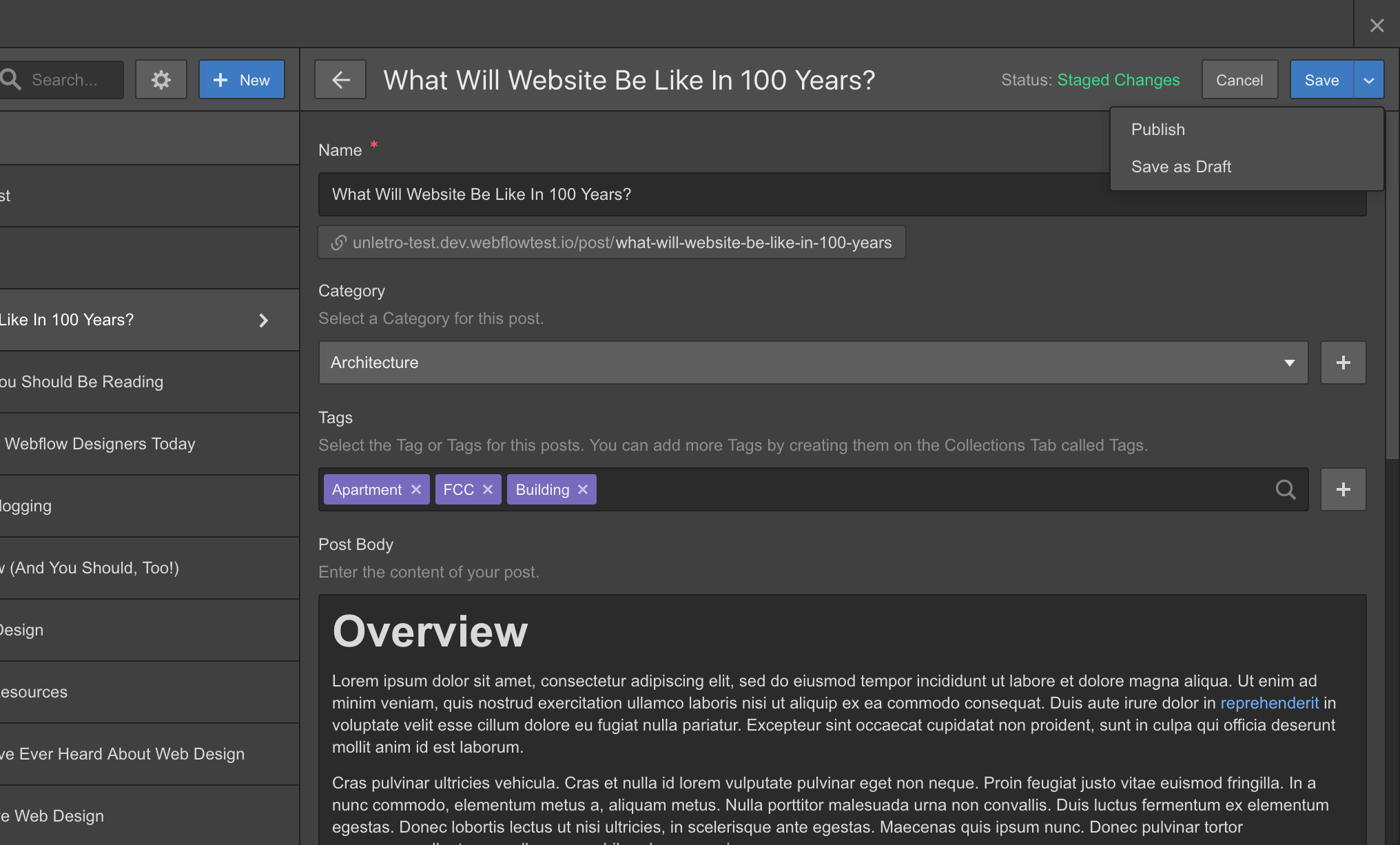
In a visual CMS - the category in which Webflow excels - layouts are 100% visually editable, and the structure of the site (such as content collections, relationships, smart lists) can be organized in minutes. The code only appears as a detail for specific integrations or optimizations, if you want to go further.
In a nutshell:
Visual CMS: total creative freedom, autonomy for non-programmers, real-time visualization and shorter learning curve.
Traditional CMS: stable base, large community of resources, need for technical knowledge for customization, extended flexibility via plugins/themes.
Behind the scenes at RMD, I see marketing teams, designers and strategists gaining agility without depending so much on the developer, which is transformative for those who need to launch campaigns and make quick adjustments.
No-code and low-code: creative protagonism in the hands of the team
In recent years I've seen the term "no-code" gain traction among companies that want agility without sacrificing quality. Webflow is a strong example of this movement, as it puts the power of construction, revision and continuous improvement directly in the hands of those who understand the business, not just the technology.

With this protagonism, I see three impacts generally sought during our consultations at RMD Soluções Digitais:
Speed in launching, correcting and testing new pages
Less dependence on third parties for daily, national or global adjustments
Visual standards aligned with branding and a truly differentiated user experience
Solutions such as WordPress, on the other hand, remain preferred by those who value a traditional base, with its countless plugins, themes and pure code customization possibilities, prioritizing maximum freedom despite the learning curve and possible security weaknesses.
When should you prioritize autonomy?
In my practice, I recommend prioritizing visual platforms when:
The marketing team is the main hub for operating and updating the site
The look changes frequently (e.g. landing pages for campaigns)
There is an interest in quick training and independence
Remember, being "no-code" doesn't mean missing out on advanced features, especially with the constant evolution of platforms like Webflow.
Design customization: are there limits?
This is one of the points most often discussed with RMD clients. Brands that want differentiation and an immediate connection with users need tailor-made design, fine responsiveness controls (desktop, mobile, tablet) and front-end performance.
At Webflow, layouts are built practically from scratch, with granular visual controls for each break-point, native animations and micro-interaction features. The result is a site that matches the company's level of creativity. And, of course, this same visual pattern can be replicated on hundreds (or thousands) of pages, maintaining consistency without manual effort.
With the WordPress model, customization progresses according to the theme chosen and familiarity with CSS/HTML, as well as the use of page builders. Although it's possible to create completely original designs, it usually takes more time and energy, especially when the team is not technical.
Design aligned with branding multiplies conversions.
One point that I see raises questions: "But what if I want to migrate, does this look stay the same?" I'll talk about this later, in the section on migration and digital evolution.
Performance, SEO and user experience: how do the platforms fare?
Every minute (or tenth of a second) wasted on loading pages damages Google positioning and annoys users. SEO and performance need to be strategic when making a choice.
Working on a variety of projects at RMD, I can see a significant difference:
In Webflow, the code generated is clean and optimized, resulting in light and fast sites. Control over technical SEO elements (title, meta, open graph, sitemap, redirects) is in the editor itself, making adjustments easy even for non-programmers. Factors such as your own CDN, image compression and cache management are automatic.
In WordPress, performance depends on the choice of theme, plugins and hosting. It can vary greatly. Leaner, well-configured sites respond well, but require constant attention and regular monitoring.
One situation I've seen: companies migrating to Webflow and improving their positions in the SERP, just because of the improvement in loading and responsiveness. On the other hand, those who already maintain WordPress and make frequent technical adjustments can sustain excellent results, as long as they have specialized support.
In short, for teams with a marketing focus, I see an advantage in direct and intuitive control of visual SEO. For projects with a large volume of content, WordPress has structural advantages in managing files and posts, if the team has mastered the advanced settings.
Integrations: CRM, automation and growth
Integrating systems is routine for digital companies. Whether it's to capture leads, automate sales flows, integrate APIs, turn the website into a data center or monitor conversion funnels, each project has different needs and this impacts the choice of platform.
In Webflow, modern APIs allow integrations with automations via popular tools, as well as webhooks and no-code connections (e.g. forms, CRM, email marketing, chat, analytics). The dashboard has customizable fields and dynamic lists, and managing the integrations is usually very easy for non-programmers.
As for WordPress, the possibilities are practically unlimited via plugins. Almost every popular integration already has a dedicated plugin. The challenge is to keep everything up to date, compatible and secure, and eventually to rely on the developer for deeper integrations.
For growing companies, I see a sensitive point: the less complex customization required, the faster your team can take advantage of integrations and the less risk of "breaks" in the chain. In other words, direct visual integrations win points when the team is lean and looking for agility.
Collaborative content management
Another factor that is highly sought after by RMD's client companies: collaborators from different areas editing, revising and publishing content without the risk of tampering with critical areas of the site.
Webflow allows multiple levels of access, including an approval and publication workflow, which is very useful for multidisciplinary teams.
WordPress also has this flexibility, especially in large projects with editors, proofreaders and administrators, but it requires initial configuration and occasional monitoring of conflicts between security and publishing plugins.
Ease of use and real learning curve
Who hasn't heard: "Can my team manage without calling me all the time?"? This is a frequent concern in conversations I have about migrating platforms or launching new portals.
Webflow offers a smooth learning curve, especially for those who are already used to design logic, Figma, Photoshop or similar. The interface is clear, changes appear in real time and the official documentation is detailed (there are even online workshops, such as our Webflow Workshop for Beginners).
In WordPress, although the panel is known to many, customization requires a little more dedication and practice to fine-tune. Ease of use depends a lot on the theme and plugins adopted; some page builders reduce the curve, but can crash or complicate integrations in the future.
Total autonomy is gold in digital.
A personal tip: I always promote internal training at the end of projects. True productivity only happens when the team feels confident to create and maintain pages, without fear of "breaking" anything.
Costs involved: how much does each path cost in practice?
This is a question that always comes to the ears of any professional in the field. The decision between Webflow or WordPress is rarely just a technological one, but especially a financial one.

In the case of WordPress, the core is free, but the costs are diluted by hosting, licenses for premium plugins, exclusive themes, support (when there are technical problems), and specific development in advanced cases. From time to time, I see companies startled by unforeseen costs precisely because they need paid plugins for everyday functions, as well as constant adjustments for updates and security issues.
Webflow charges on a per-project basis, depending on the package chosen: from the most basic versions (for portfolios or institutional sites) to robust options for e-commerce and content portals. The entire infrastructure (hosting, CDN, compression, automatic backups, SSL) is already included in the plan's licensing, which simplifies budget control throughout the site's life cycle. The cost is totally predictable and there are rarely any surprise extra fees.
To put it in perspective:
WordPress: low initial cost, but variable expenses for maintenance, plugins, structure and support.
Webflow: monthly or annual subscription, all-inclusive, no surprises, with clear plans for different project sizes.
When to prioritize speed, flexibility or total control?
This question comes up in RMD workshops and consultancies. I remember a case in which the client asked for a landing page to be launched in less than 24 hours, with a registration form, CRM integration and full adherence to the visual identity. The visual option ("no-code") proved to be ideal, and it was possible to go from briefing to "site on air" in a matter of hours.
Here's a summary of the most common scenarios:
Speed: projects with a tight launch date, seasonal campaigns, event landing pages and marketing experiments. Visual platforms tend to be more agile.
Flexibility: companies that constantly change the structure of their site, adding or removing sections as new products and services are developed. Both platforms cater for this, but visual control makes it simpler for non-technical teams.
Total control: portals that require customized resources, extremely specific integrations and their own business logic can benefit from the traditional model, as long as they have qualified technical support.
Speed without control becomes chaos. Control without speed hinders innovation.
Criteria for choice: how do you assess them for your case?
In my consultancy for brands undergoing a digital transition, I often provoke the team with a decision matrix based on concrete criteria. Depending on the industry, size, digital maturity and the expectation of scale, a few criteria make all the difference.
Business objectives: institutional presence or growth at scale?
Type of content: fixed pages, blog, portfolio, e-commerce, recurring landing pages?
Frequency of change: daily adjustments, or a more static structure?
Team: technical team available or marketing/design leading role?
Budget: fixed costs or willingness to deal with variable expenses?
Integrations: lots of automation and APIs or simpler operation?
After years of experience, my suggestion is simple:
The more decision-making power falls to marketing, the more a visual CMS tends to help.
On the other hand, if the company has a dedicated development team, or if the site requires complex business rules, the traditional route can bring massive freedom, as long as you're willing to compromise on initial speed.
Tools to help you decide
If you want to enrich your reflection, I suggest checking out additional materials on topics such as design resources and digital development, always thinking about the digital maturity of your business.
Migration and evolution: is it worth changing platforms?
A growing question in 2024: "My website is stable, but demands have changed. Should I migrate? How can I maintain SEO and visuals?"
I've participated in dozens of migrations and noticed patterns:
Migrating content is feasible and safe, as long as there is planning in the structure of URLs, metadata, redirects and SEO strategies.
The visuals can be replicated or improved, taking advantage of the new platform's features (e.g. animations, microinteractions, advanced responsiveness).
Modern tools allow you to import collections, keeping posts, images, categories and authors preserved
In complex projects, I recommend controlled tests and gradual rollout, to ensure data integrity and not interrupt the flow of leads/content.
The biggest gain I see in clients: the team itself takes the reins of evolution, launching pages, updating campaigns and adjusting content without depending on third parties. This freedom is reflected in the speed of response to the market.
To prepare, I recommend reviewing case studies, such as those shared on our RMD blogand discussing with multidisciplinary teams. If you're looking for a more experimental approach, we also have study group initiatives, such as the Ycode Study Group, where professionals exchange experiences on innovative visual platforms.
The future of digital presence: trends and new expectations
The digital landscape never stops. With artificial intelligence, automation and increasingly intuitive interfaces, the role of website platforms is set to evolve. Flexibility, autonomy, security and engaging design are now the minimum expected by growing companies.
I see two paths for the coming years:
Websites as data and relationship hubs: centralizing automations, CRM, and interactive experiences
Predominant visual management: marketing and content teams with the autonomy to adapt campaigns, publish news and learn from feedback in real time.
Digital is no longer optional. It's expansion or stagnation.
Training, group studies and collaborative events are becoming competitive differentiators for companies willing to truly innovate. The key is to balance creativity, control and performance.
Conclusion: what's the best choice for your next website?
After years of helping companies on the road to digital transformation, I realize that the answer depends on the "place" of your business: team maturity, need for autonomy, available budget and speed of reaction to the market. The starting point is always to ask: do you want speed with creativity and less technical dependence, or total control with programmable flexibility?
If I had to sum up my vision, I would say:
Webflow shines for those who need autonomy, personalized design, frequent updating and direct visual control. It streamlines processes and empowers marketing and design teams.
WordPress remains attractive for structured portals, massive content production, partnerships with developers and technological freedom, as long as the team is prepared to deal with technical variables.
The most important thing is to align expectations with real possibilities. Consult experts, test platforms, ask the team for feedback, evaluate real cases (such as those available on the RMD blog). Digital is organic: today's website can be the bridge to something much bigger tomorrow, as long as technology is in favor of business evolution.
To grow is to choose the path that makes sense for you and your brand.
If you want to discuss possibilities, learn about success stories or start designing your next digital presence, I'm at your disposal with the RMD Digital Solutions team. Access our resources, take part in workshops and find out how to align strategy, design and performance in your next project!
Frequently asked questions about Webflow and WordPress
What's the difference between Webflow and WordPress?
Webflow delivers a 100% visual and intuitive experience, ideal for those who want to build, customize and launch sites without having to program, while WordPress offers a traditional model focused on modular structure via plugins and combined themes, requiring some technical knowledge for in-depth customizations. The degree of autonomy and agility changes greatly between the two models.
Is Webflow better than WordPress for beginners?
Yes, for those with little or no technical experience, Webflow's learning curve is usually smoother and more user-friendly. The visual editor facilitates risk-free adjustments and testing, especially for designers and marketing teams. WordPress can be used by beginners, but usually requires technical support to customize features beyond the basics.
Which is cheaper, Webflow or WordPress?
WordPress has a lower initial cost because it's free, but costs increase as plugins, premium themes, hosting and support enter the calculation. Webflow operates on a subscription basis, but it includes all the essential services such as hosting, backups and security, making it easier to be financially predictable.
Is Webflow worth it for blogging?
It is, especially for institutional blogs, portfolios or sites where a personalized look, responsiveness and SEO control are essential. Large-scale content projects, with multiple authors and community features, may be better suited to WordPress, but Webflow is excellent for most of today's business blogs.
How do I choose between Webflow and WordPress?
Analyze your team's profile, frequency of changes, type of content, integration needs and available budget. If you're looking for autonomy, agility and a striking design, Webflow could be the way to go. If the priority is content expansion, technical control and programmable flexibility, WordPress is still a solid choice. I recommend using our experience in digital projects, as we have at RMD, to base the decision on your business scenario.
 What is Webflow? Discover the platform that is transforming the creation of websites without code
 How RMD facilitated Alice's content management with Zapier and Webflow
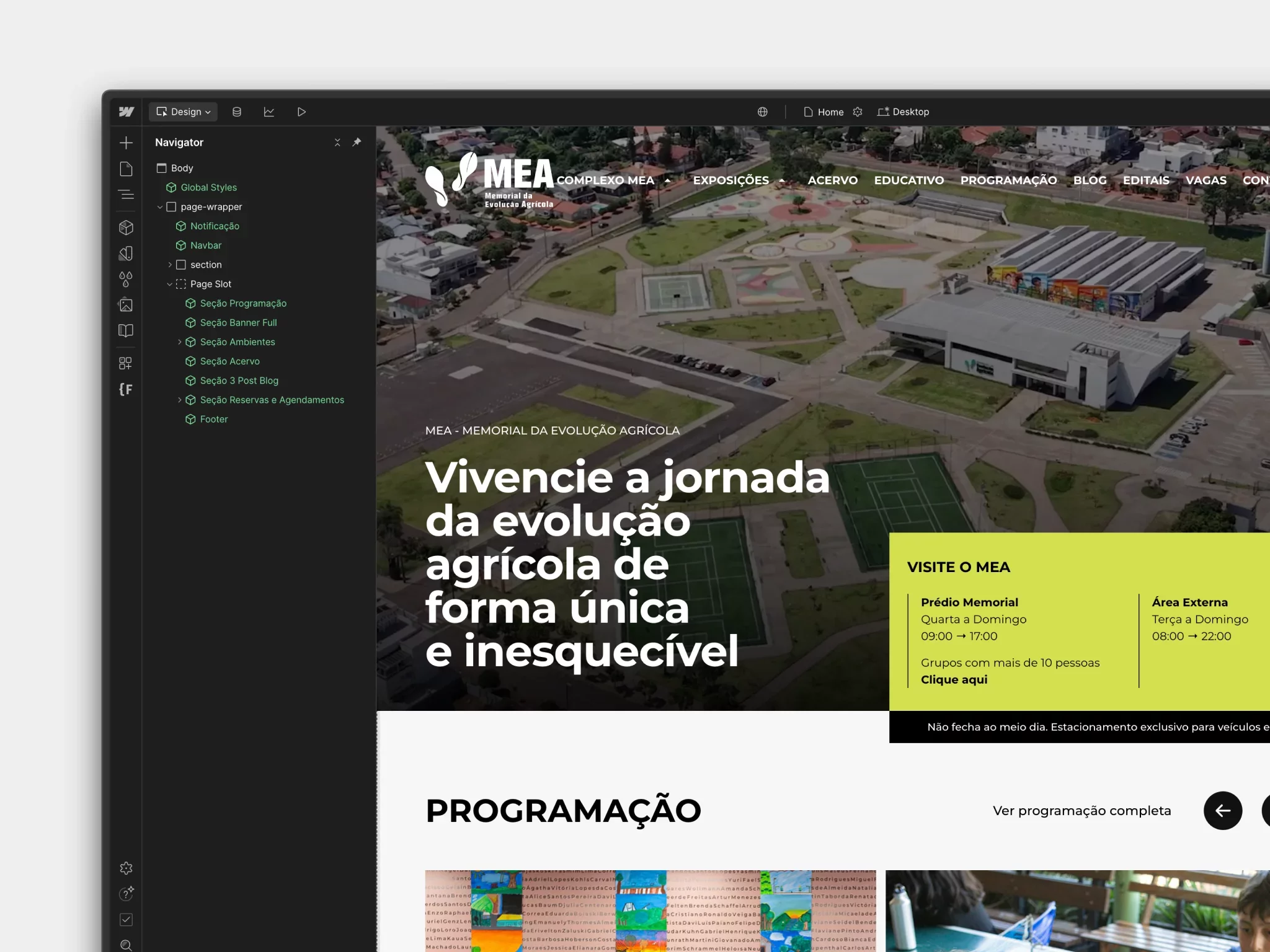 Launch of the new MEA website: a digital milestone for Latin America's largest memorial
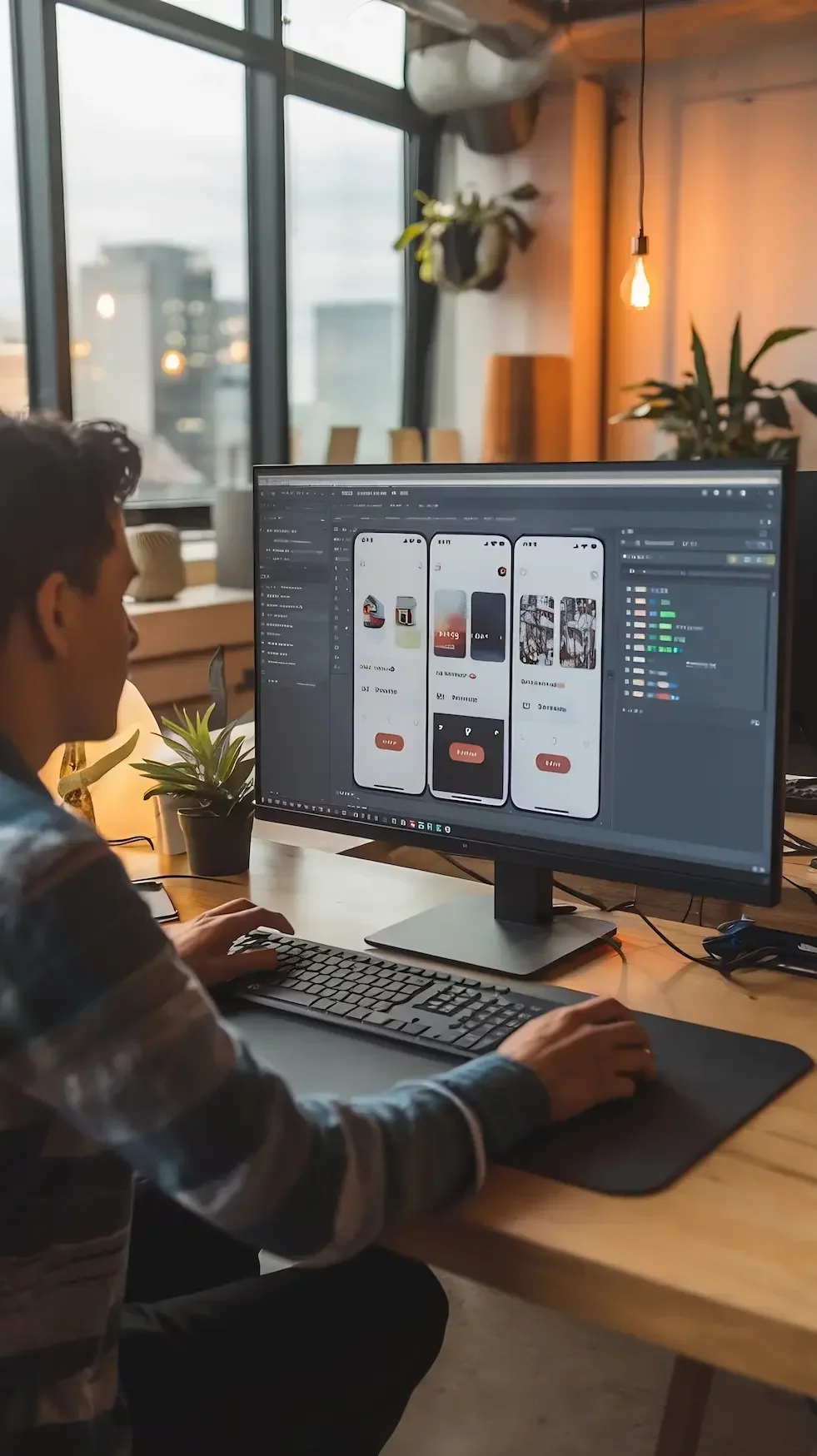
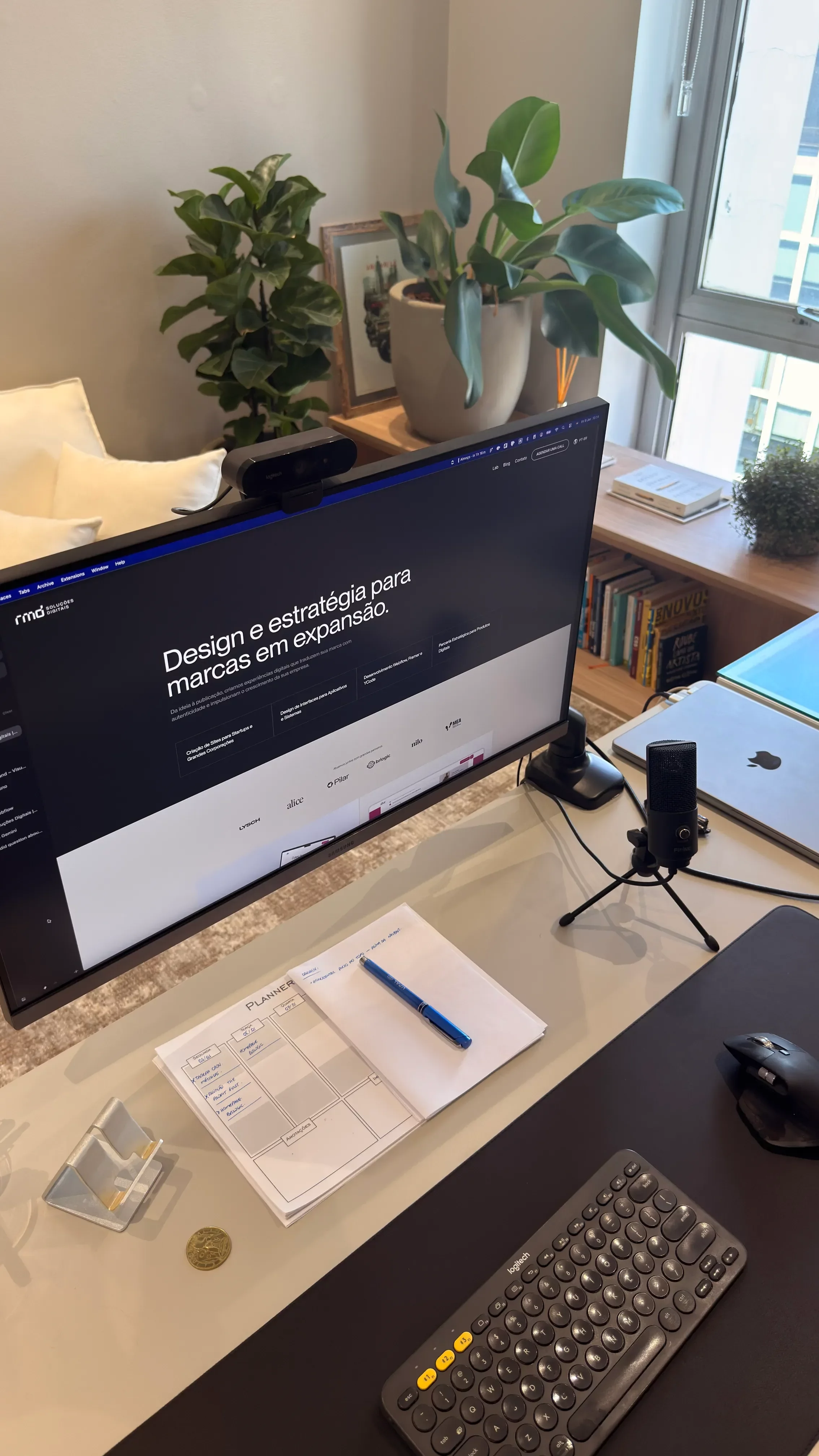

Made with No-Code
This blog was developed in no-code: fast, flexible and scalable. Want to see it in practice?
I want to know
 Vamos falar sobre seu projeto?