Webflow vs. Framer: Why Large Companies Choose Webflow


If there is one recurring question we hear here at RMD Digital Solutions, it is: which platform will truly provide autonomy, results, and scale for ambitious teams? Webflow and Framer come up a lot in this debate, but when we look at companies that are truly growing and seeking impact in the digital realm, Webflow comes out on top. We'll tell you why in a straightforward way, with experiments, real data, and the perspective of those who have already built projects for expanding brands around the world.
What sets great projects apart and why Webflow shines
Webflow is already trusted by teams from more than 300,000 organizations worldwide. It's not a random choice: by choosing Webflow, these companies report, year after year:
Savings of thousands of dollars in annual development costs
Up to 80% reduction in requests to technical teams after transition
Increase in form submissions and new lead contacts
Up to 40% growth in organic traffic after launch
Significantly higher conversion rates in the first week online
We have seen this trend in many of the partners we advise at RMD.
Webflow and Framer: who does each work best for?
Our experience shows: Framer is suitable for small teams with basic website needs. It appeals for its clean look and direct collaboration within the editor, but that's where the limitations begin.
Webflow, on the other hand, delivers a unified environment where:
Marketing, design, and engineering work together to build professional websites
Publishing can undergo review and permission control
You can create, edit, and customize layouts with advanced interactions without writing code
For those who want compare the use of the platforms more technically, we have already provided detailed content on the ideal scenarios for each one.
Technical solutions: integration, open source, and customization
One of Framer's main limitations is its structure: the editor is a React-based black box. This means that API integrations are nearly impossible and deeper customizations are practically nonexistent. All React editing must be done within Framer's own editor, reducing flexibility for engineers and limiting the experience of large teams.
Webflow is different. We can:
Export and access the generated HTML, CSS, and JavaScript code
Integrate via APIs for content systems and other services
Create React components in the company repository and publish via CLI, enabling editing by designers through the visual editor
These possibilities bring scalability, allow connections to CRMs, marketing automation, and the customization that large companies need to grow.
Collaboration, reviews, and control: how Webflow minimizes errors
Framer stands out for its simultaneous editing and commenting features, but in larger teams, this can become risky: anyone can publish changes without control, opening the door to serious errors in production. In addition, integration with Figma is only superficial, as there is no real synchronization of components or full compatibility.

In Webflow, the workflow is different:
Building blocks must be approved by the designers responsible
Detailed permissions prevent unwanted edits
Structured publishing and design review flows reduce rework
This gives large teams peace of mind to publish without surprises. For those who want to see practical examples of version control and efficient collaboration, it is worth signing up for our Webflow workshop for beginners.
Ecosystem, learning, and future
Another decisive factor: Webflow offers an active community, dedicated support, and certified partners ready to help. The ecosystem includes:
Certified consultants and agencies for implementation and support
In-person and online courses (Webflow University is a global benchmark)
Knowledge base, forums, and educational content that teach real web concepts, accessibility, and SEO
At RMD, we encourage clients to discover more about Webflow and align their growth with the most robust and innovative low-code platforms. And every year, Webflow evolves: see this article about recent changes how the roadmap prioritizes performance, integrations, and accessible experiences.
Native SEO, content, and accessibility tools
Another strength of Webflow is that key features are already ready for advanced use:
Complete sitemap control and automatic generation
Dynamic and automatic metadata for SEO
Easy-to-configure redirection system
Accessibility ready to comply with LGPD and international standards
Internal A/B testing to optimize conversion without extra plugins
Content management caters to teams of any size, and with reusable design systems, the learning curve may be steeper at first, but it gives the team more power to evolve.
Freedom, growth, and results we've proven with brands
Our experience with marketing leaders shows that Webflow not only expands branding, but also improves SEO and conversion results. Companies highlight the freedom to experiment, quick pipeline gains, and, above all, resource savings that can reach tens of thousands per year.
The plans are flexible, with areas to add items as needed for the business. And with the free starter plan, you can test, build prototypes, and ensure a good fit before migrating permanently.
If you want to know more about how Webflow compares to other traditional platforms, we recommend this comparison with WordPress.
Conclusion: choose Webflow to scale your digital presence
We know that every business is unique, but experience has proven that Webflow offers the stability, freedom, and integration that large companies need to grow online consistently. Those who have already tested it have seen the difference in numbers and operational agility.
If you want to see the benefits of Webflow in practice, we recommend trying the free plan and participating in workshops for your team to evolve. Count on RMD Soluções Digitais to guide your journey and see, in practice, the positive impact on your digital presence.
Frequently asked questions
What is Webflow?
Webflow is a website creation and management platform that combines design, visual development, and advanced features without requiring coding knowledge. It allows you to create responsive layouts, customize animations, and connect integrations, bringing agility to marketing, design, and technology teams. For a detailed dive, see our content "What is Webflow?.”
What are the advantages of Webflow for businesses?
The main advantages of Webflow for businesses include cross-departmental collaboration, reduced development costs, autonomy for less technical teams, integration with APIs and management tools, native SEO features, accessibility, and flexibility to grow as business demands change. In addition, it offers specialized support, a robust ecosystem, and complete control of the website at all levels.
Webflow or Framer: which is better?
For small teams and basic projects, Framer may serve well. But for companies seeking growth, advanced control, technical integrations, and scalability, Webflow stands out as the most reliable alternative. That's why global brands trust and remain loyal to Webflow in their strategic projects. Read more about this in our article on which platform to use for digital projects.
Is Webflow expensive for large companies?
Webflow offers flexible plans, ranging from free options for initial testing to complete solutions for large companies. The gains in resource savings, agility, and autonomy usually outweigh the investment made. The flexibility to grow and customize as needed makes Webflow competitive with other alternatives, especially considering the drastic reduction in developer demands and operating costs.
How to migrate from Framer to Webflow?
The migration process involves mapping pages, exporting current content, and rebuilding them in Webflow with reusable design systems. The learning curve may be steeper for those coming from purely visual editors, but the platform offers tutorials, consulting, and courses (such as Webflow University) to support the transition. Here at RMD, we help plan and execute this change in an agile way, ensuring that the website goes beyond visuals and delivers performance, SEO, and flexibility on a daily basis.
 What is Webflow? Discover the platform that is transforming the creation of websites without code
 How RMD facilitated Alice's content management with Zapier and Webflow
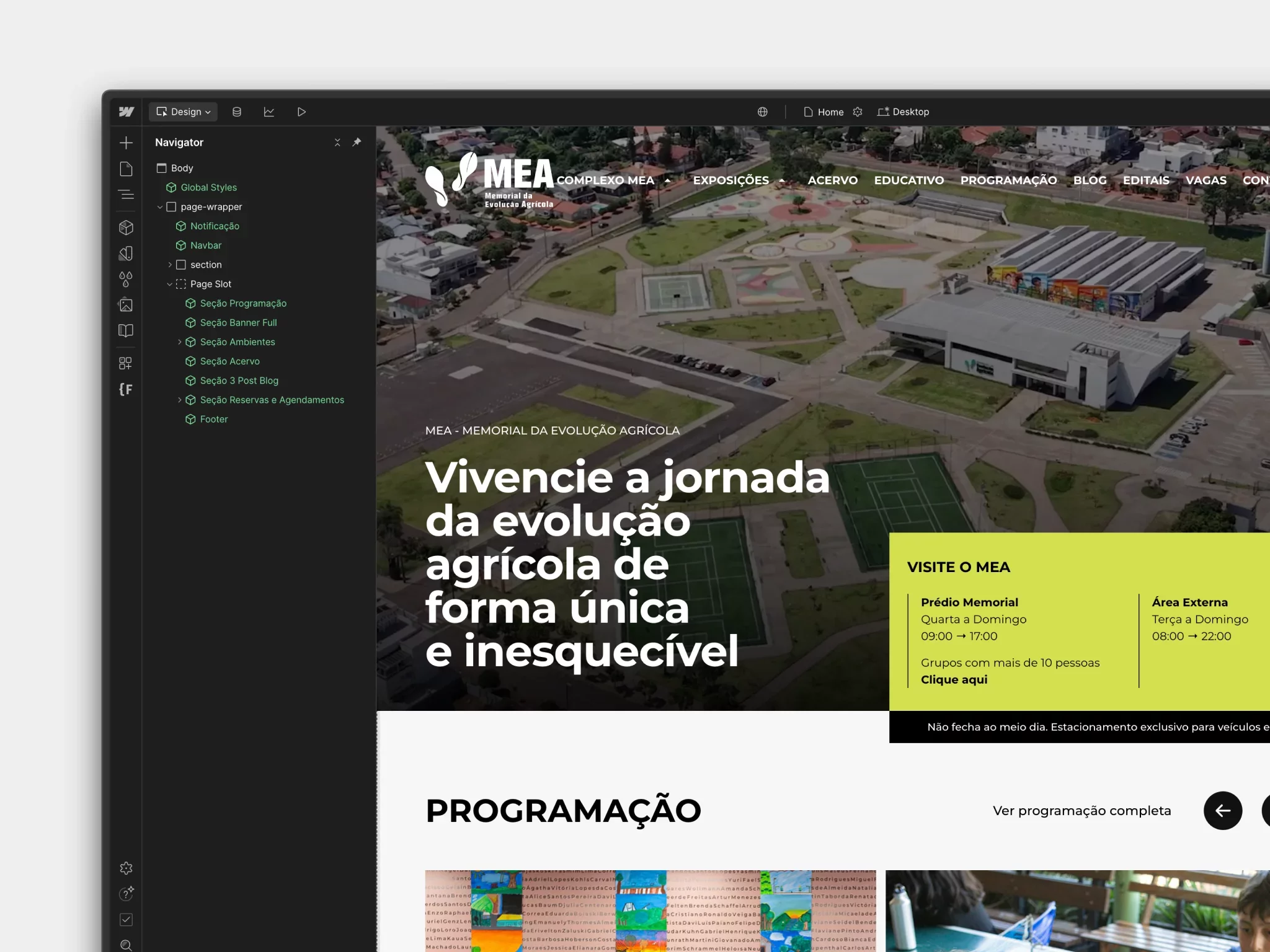 Launch of the new MEA website: a digital milestone for Latin America's largest memorial


Made with No-Code
This blog was developed in no-code: fast, flexible and scalable. Want to see it in practice?
I want to know
 Vamos falar sobre seu projeto?